
How to Host a Virtual Cooking Class: Tips and Tricks
MC
Choose the Right Platform
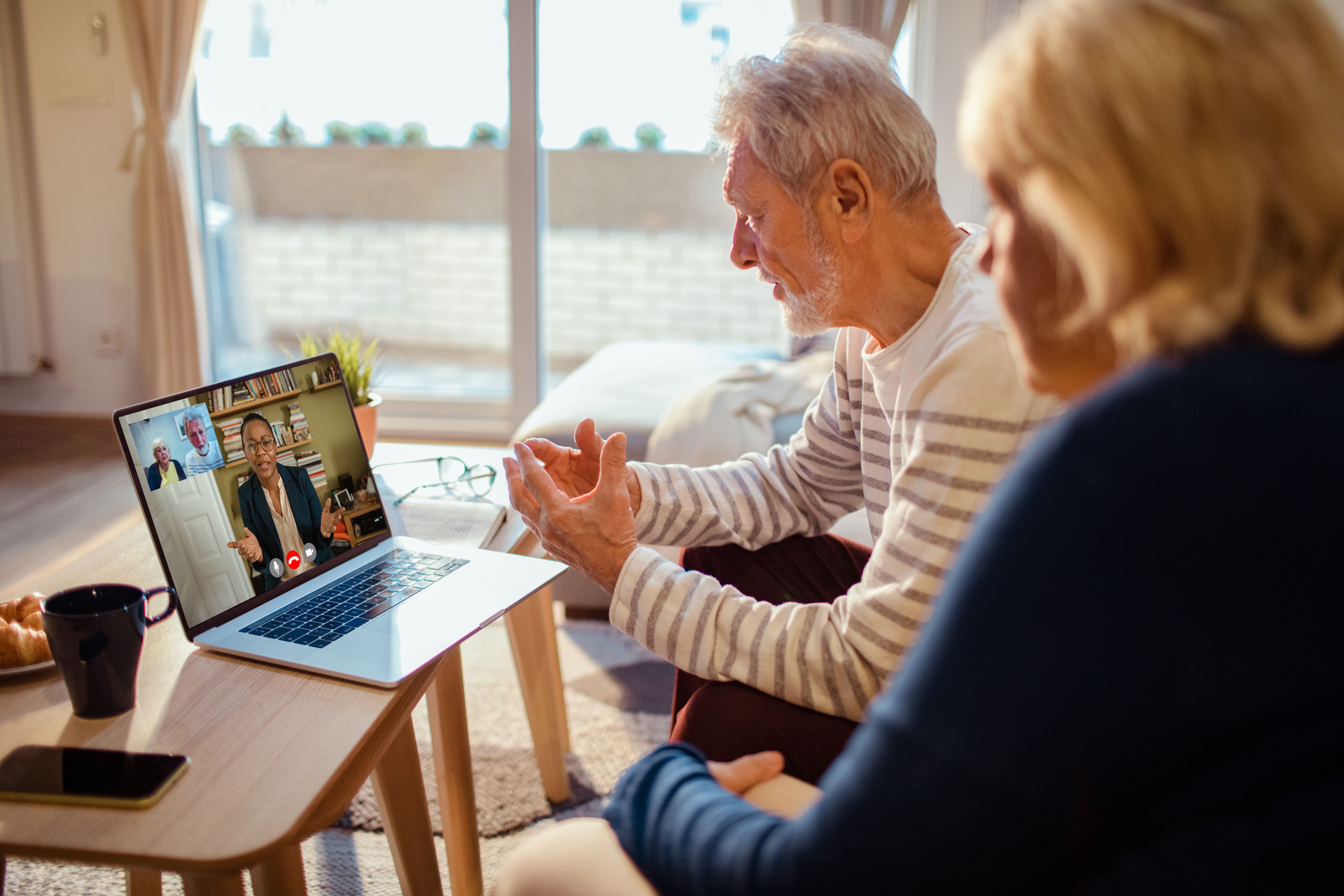
When hosting a virtual cooking class, selecting the right platform is crucial. Options like Zoom, Google Meet, and Microsoft Teams offer various features that cater to different needs. Consider the number of participants and the level of interaction you desire. Zoom is great for larger groups, while Google Meet might be preferable for smaller, more intimate sessions.
Ensure that your chosen platform supports screen sharing and has a stable connection to avoid disruptions. It's also wise to test your setup beforehand to ensure everything runs smoothly during the actual class.
Plan Your Menu
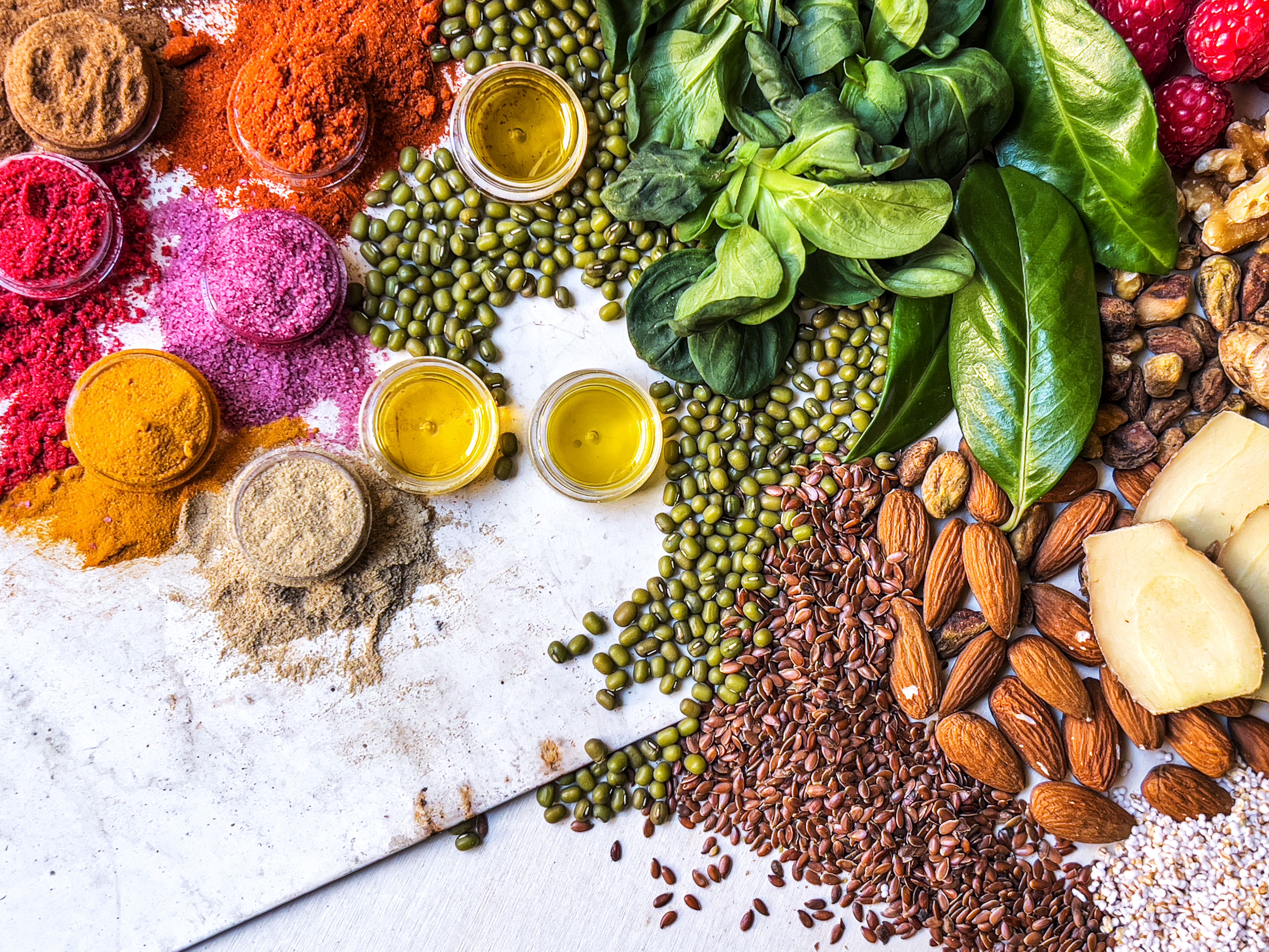
Design a menu that's both engaging and accessible. Consider the skill level of your audience and choose recipes that everyone can follow. Including a mix of simple and slightly challenging dishes can make the class more exciting.
Send out the ingredient list well in advance, allowing participants ample time to gather everything they need. Providing substitutes for harder-to-find ingredients can help participants who might have limited access to certain items.
Practice and Prepare
Practice makes perfect, especially when cooking live on camera. Run through the entire menu a few times to ensure you’re comfortable with the timing and techniques. Prepare your kitchen setup in advance, arranging ingredients and tools in a logical order to make the process seamless.
Engage with Your Audience
Interaction is key to a successful virtual cooking class. Encourage participants to ask questions and share their progress throughout the session. This not only keeps the class lively but also provides valuable feedback for improvement.
Consider incorporating polls or quick quizzes related to cooking techniques or ingredients to add an element of fun and engagement.
Use High-Quality Equipment
Invest in a good camera and microphone to ensure clear video and audio quality. Poor visuals or sound can detract from the experience and leave participants frustrated. A stable tripod can help keep the camera steady and focused on your workspace.
Follow Up After the Class
After the class, send a follow-up email thanking participants for joining. Include a summary of the recipes covered, along with any additional tips or resources. This helps reinforce the learning and provides a personal touch that can encourage participants to join future classes.
Encouraging feedback through surveys or direct messages can give you insights into what worked well and what could be improved for next time.

Promote Your Class
Promote your virtual cooking class through social media, email newsletters, or community groups. Highlight unique aspects of your class, such as themes, guest chefs, or special cuisines, to attract a diverse audience.
Offering early bird discounts or group rates can also incentivize more people to sign up and spread the word among their networks.